Axxess Hospice now enables users to assign non-patient activities in the Non-Patient Activity Manager. This enhancement streamlines operations by enabling users to assign and complete non-patient activities for employees.
Users must have permission to view, add, edit, and delete in the Non-Patient Activity Manager in Axxess Hospice to assign a non-patient activity.
To give a user permission to assign a non-patient activity, edit the user’s profile and navigate to the Permissions tab. In the Administration section, select the checkbox next to Non-Patient Activity Manager and click Save to finish granting the permissions to the user.
People tab ➜ People Center ➜ Edit ➜ Permissions tab ➜ Administration section ➜ Non-Patient Activity Manager ➜ Save

To assign a non-patient activity, navigate to the Admin tab and select Non-Patient Activity Manager.
Admin tab ➜ Non-Patient Activity Manager
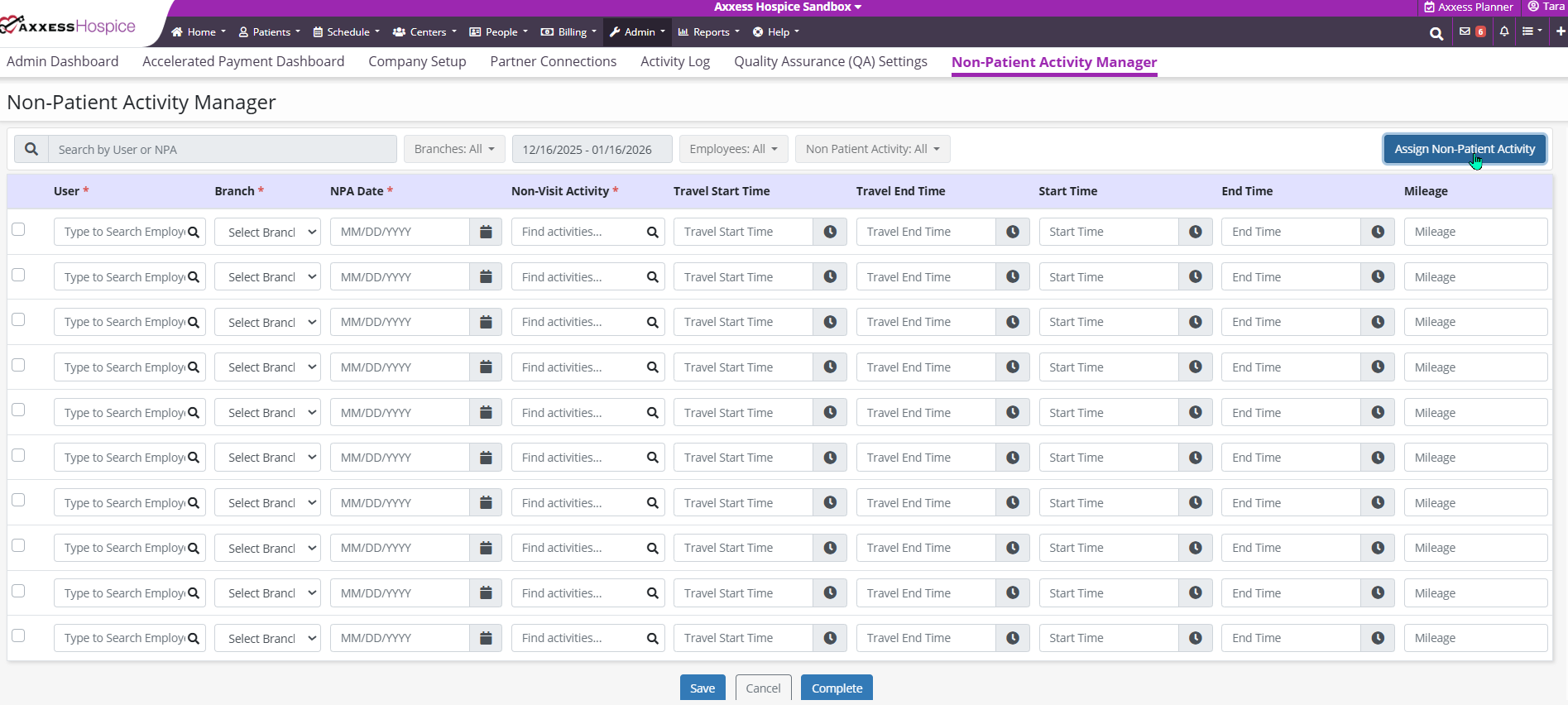
Once selected, the following table will appear:

Select the Assign Non-Patient Activity button to assign a new activity. Once the information has been entered, select Complete.
Once completed, the following message will appear:

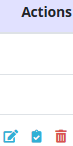
If the activity has been saved, select the check icon under Actions to complete and sign the activity.
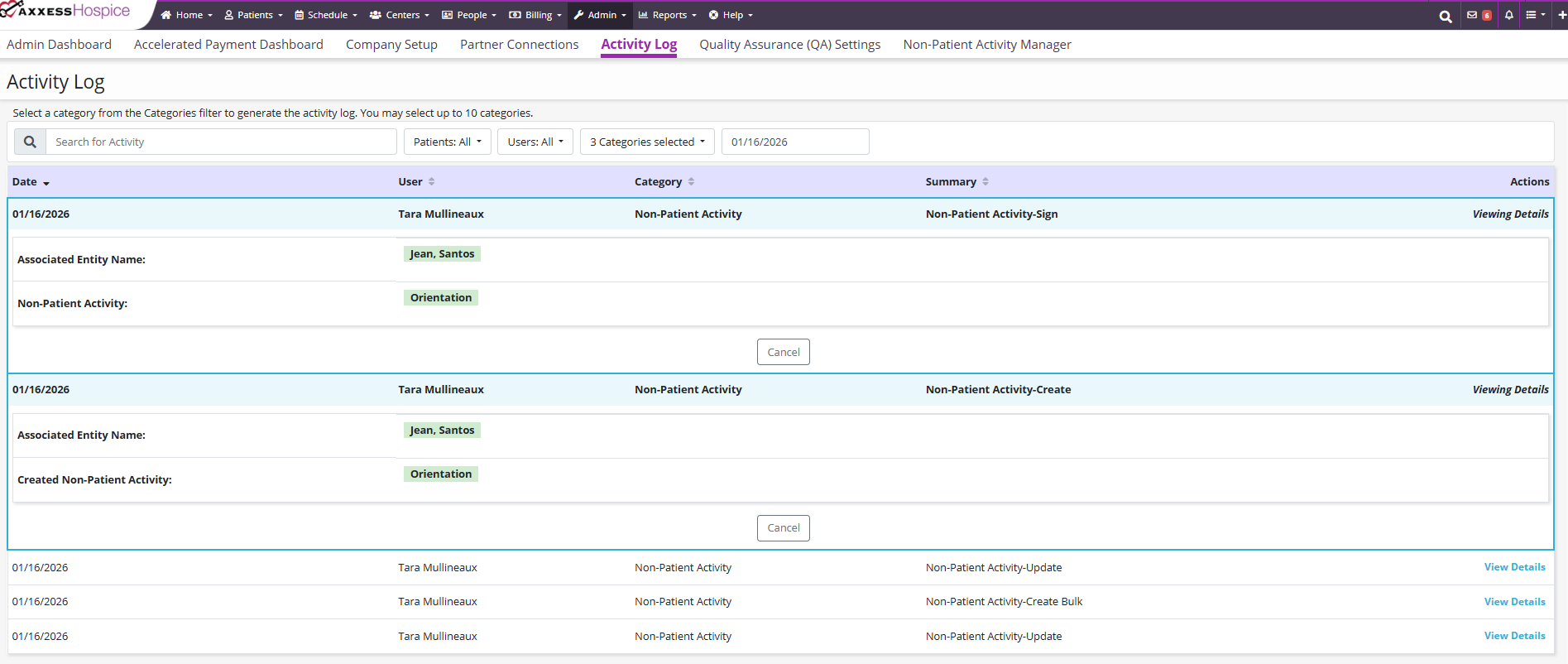
Information entered in the Non-Patient Activity Manager will display in the Activity Log. Completed non-patent activities cannot be deleted.
Updated on 02/12/2026
No related posts.
