The Axxess Family Portal enables family members to securely communicate with organization staff through audio and video calls. These calls provide a convenient way to discuss client-related questions and stay informed about care updates.
Please note: Audio and video calls can only be initiated by authorized organization staff. Family members may receive these calls but cannot start them. All calls are conducted through a secure connection, and camera and microphone access may be required based on the type of call.
When a staff member starts a call, an incoming call notification is received.
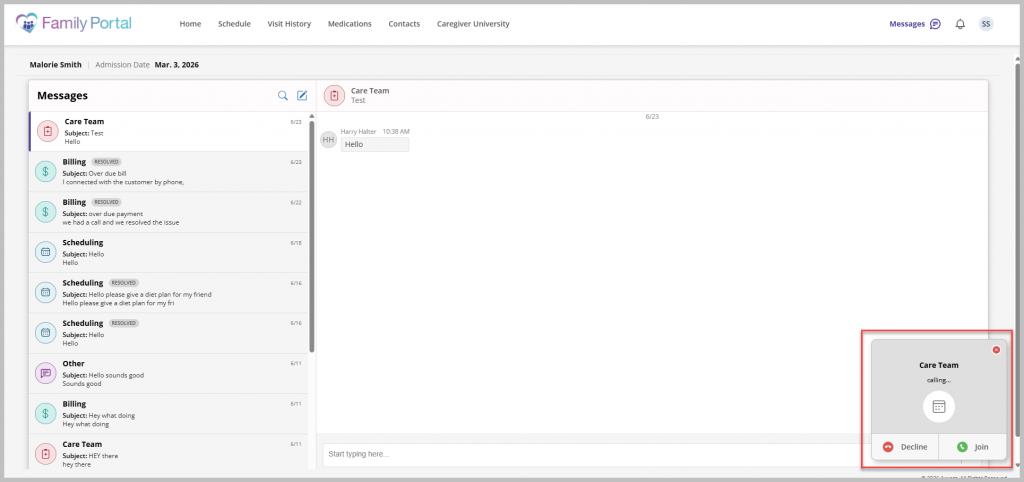
Select Accept to join the call. Select Decline if you are unable to join. The caller will be notified that the call was declined.
If the user joins an audio-only call, video can be enabled at any time. To enable video, select the video icon. If prompted, allow camera access on the device. Video then becomes visible to the other participant. Select the video icon again to turn off your camera.
Use the raise hand feature to indicate that you would like to speak. To access the feature, select the raise hand icon. The raised hand is then visible to the other participant. Select the raise hand icon again to lower your hand.
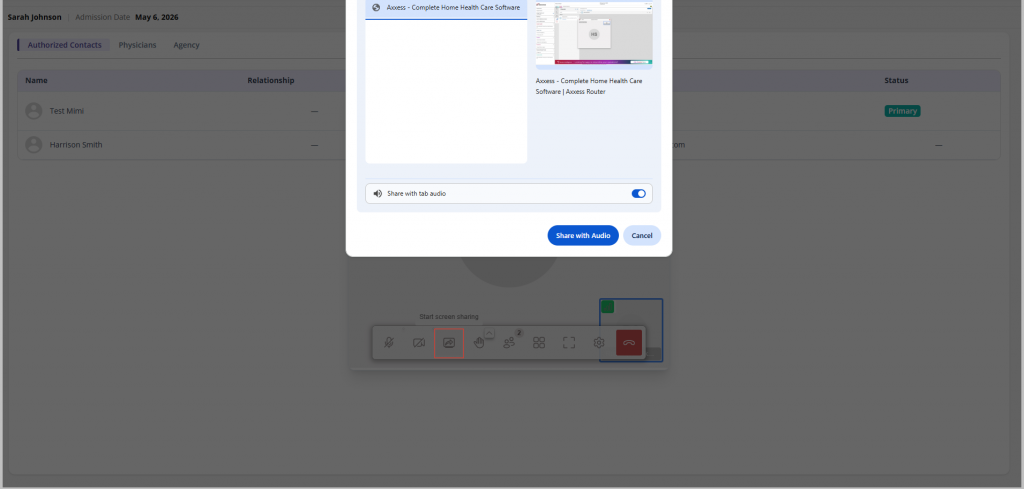
Screen sharing enables you to present information during a call. To share your screen, select the share screen icon and select the screen, window, or application you want to share. Indicate whether to share with or without audio. Select Stop Sharing when complete.
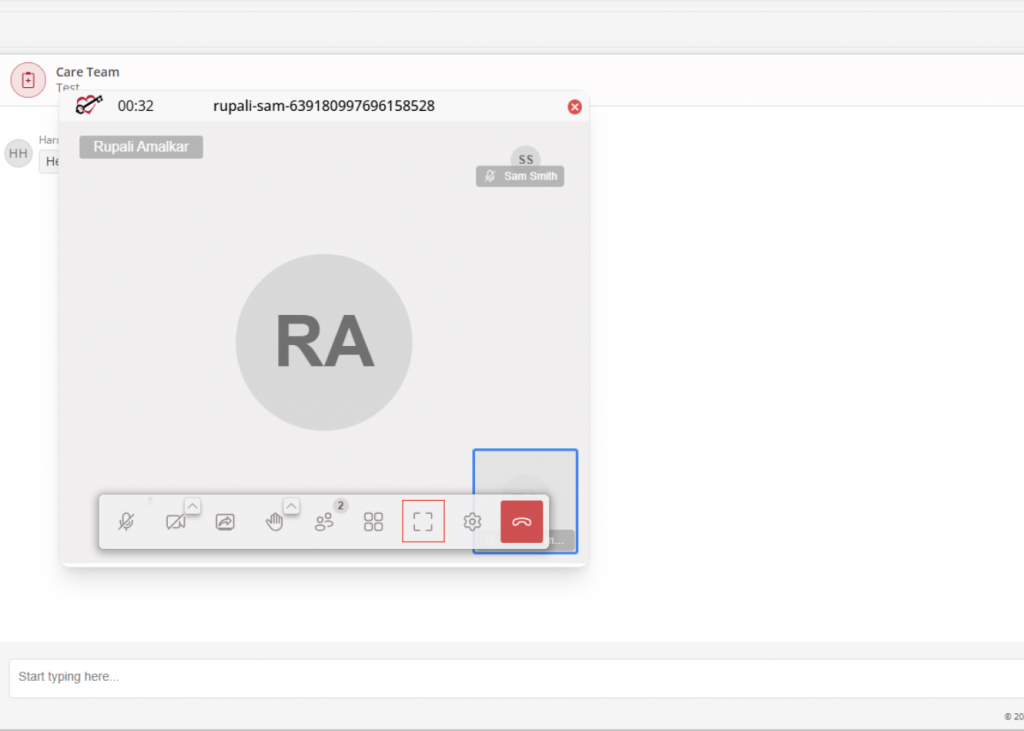
Video calls can also be viewed in larger screens. For a larger screen view, select the full screen icon at the bottom of the screen. To return to standard view, select the exit full screen icon.
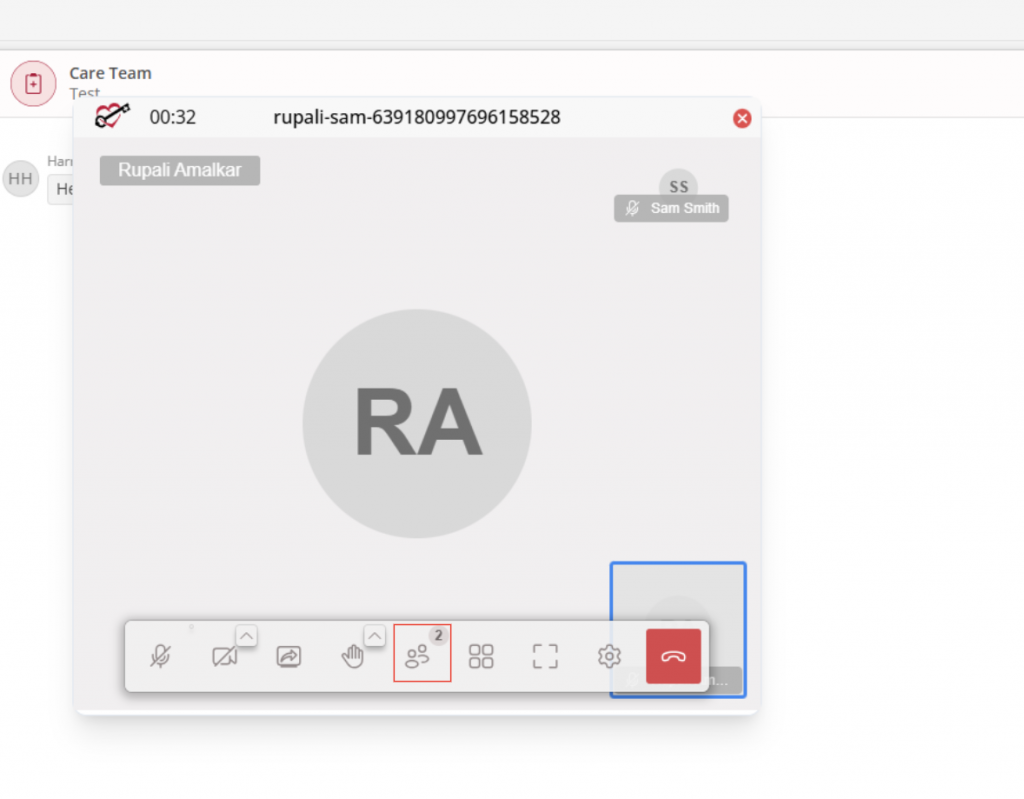
To view call participants, select the participants icon. When selected, all participants of the call are displayed.
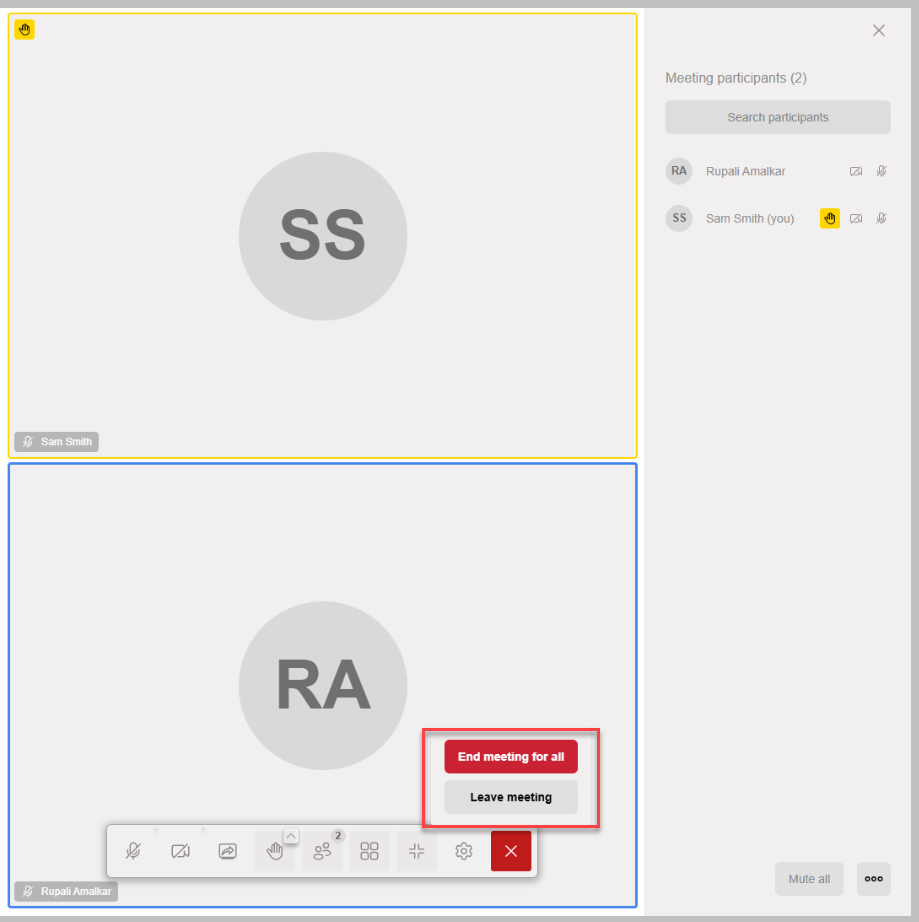
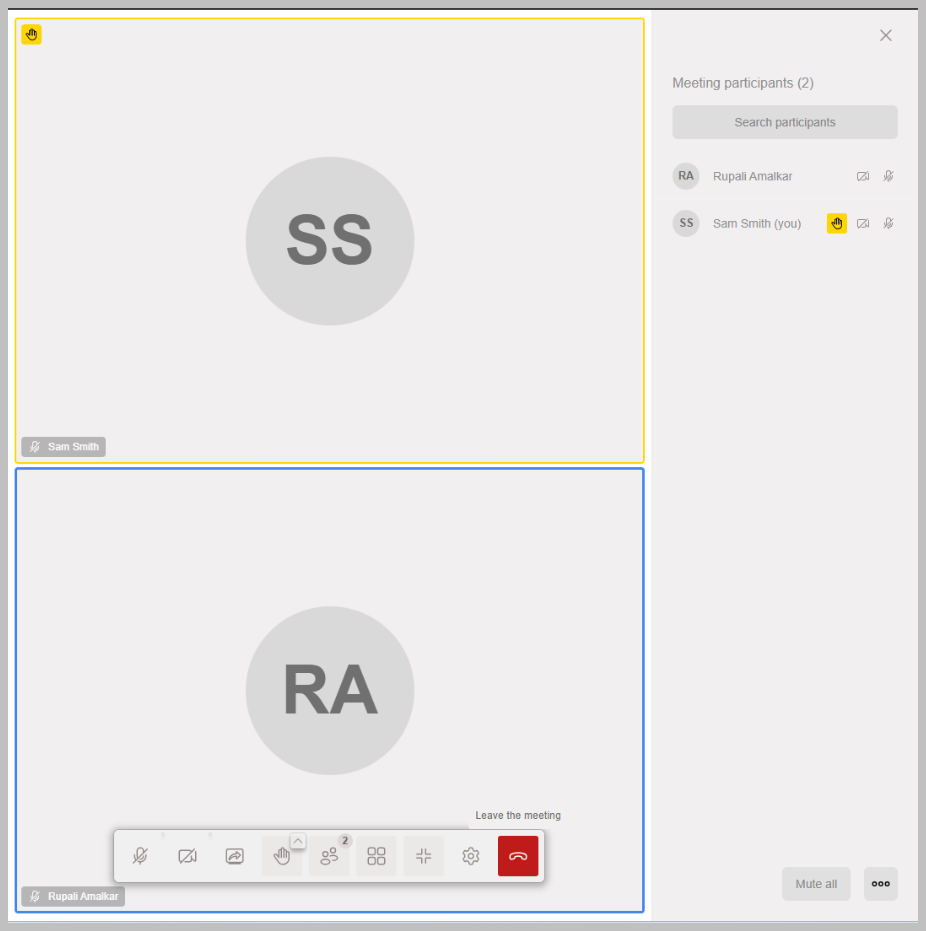
Select the phone/end call icon when you are ready to leave the call. Select Leave Meeting to leave. The End Meeting for All option is only available for authorized users.