Axxess Care now enables organizations to upload policies and procedures for clinicians assigned to visits. Clinicians can securely access these documents only during an active visit, helping support Medicare compliance while making it easier to follow company guidelines in the field.
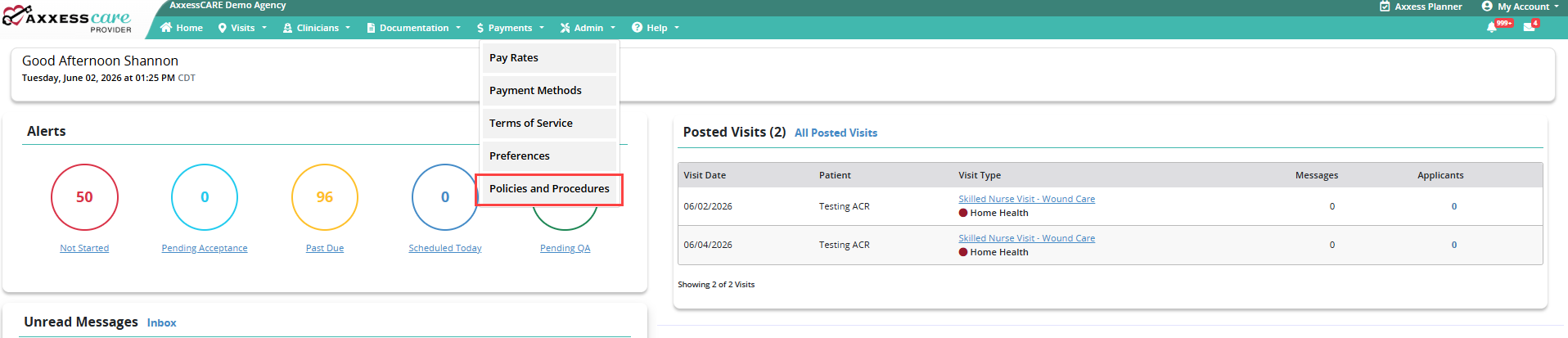
To upload your organization’s policies and procedures, navigate to the Admin tab in Axxess Care and select Policies and Procedures.
Admin tab ➜ Policies and Procedures
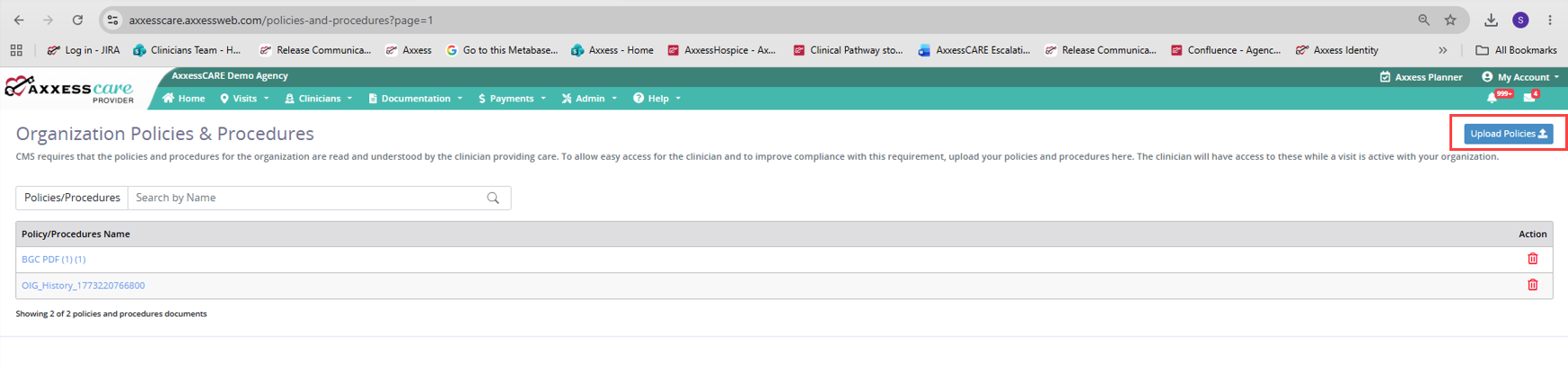
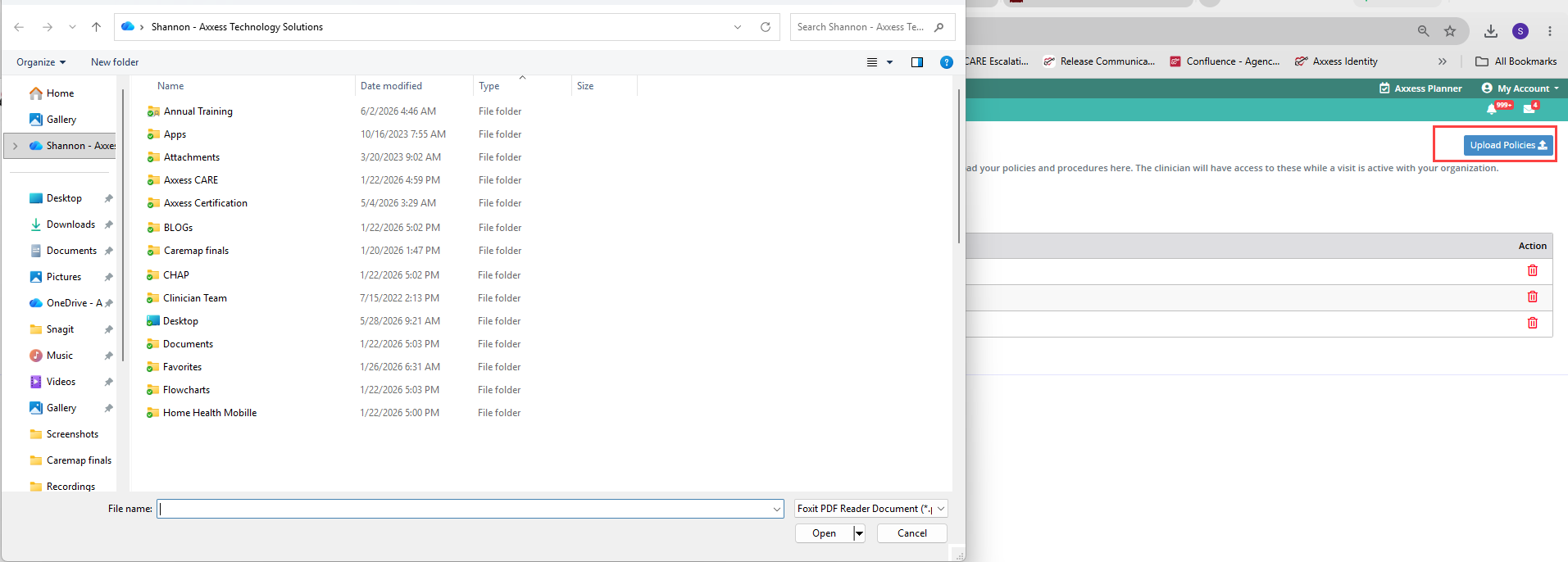
On the Organization Policies & Procedures screen, select the Upload Policies button.
Select the desired documents from your computer and click Open. You can upload one large file or multiple separate files.
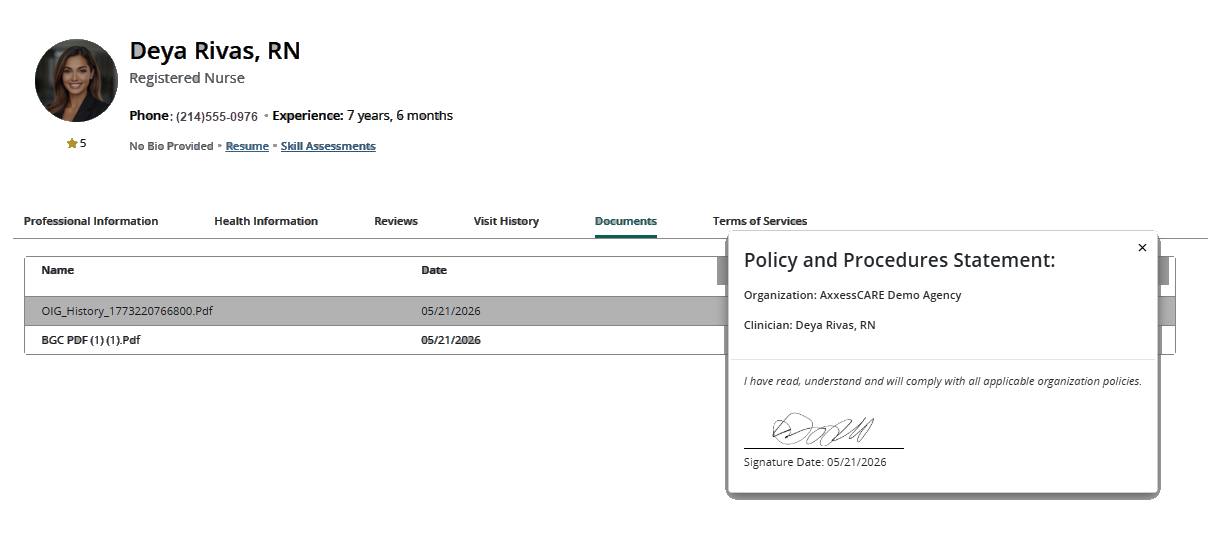
After you have uploaded your policies, the clinician who accepted your visit will sign the required statement prior to starting the visit. This is required one time per year or when policies are updated.
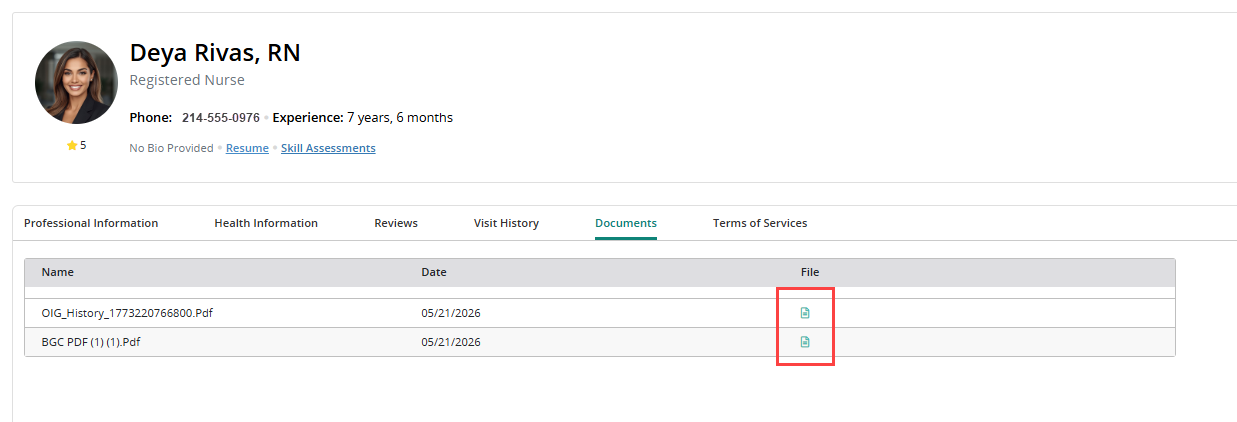
You will have access to the statement for your own records as needed. Simply open the clinician profile from the Clinician Contacts tab, navigate to the Documents tab in the clinician’s profile, and select the paper icon in the File column.