Axxess Care now enables organizations to set pay rates for each visit type, ensuring clinicians receive accurate compensation for completed tasks. By allowing organizations to set their own pay rates, this enhancement streamlines billing operations.
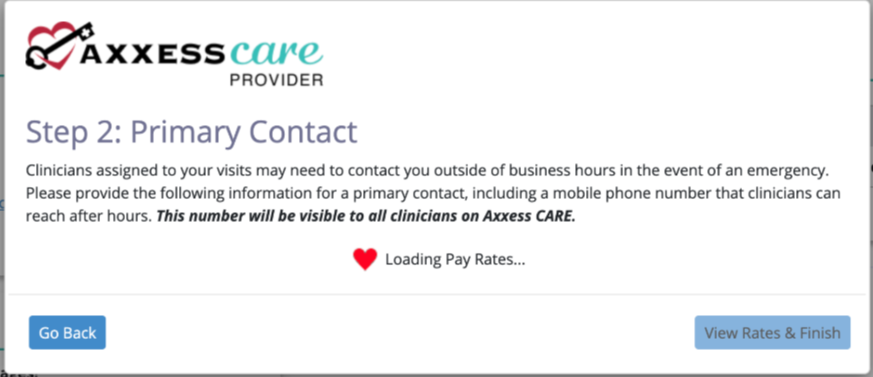
Organizations are initially prompted to set up pay rates during the onboarding process.
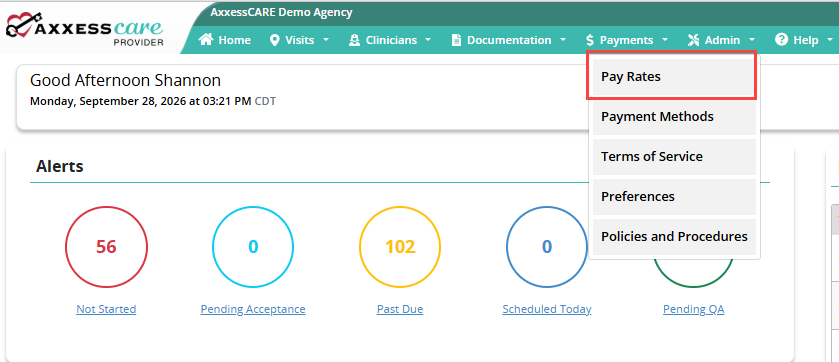
Pay rates can also reviewed and updated after onboarding. To access the pay rates, navigate to the Admin tab and select Pay Rates from the drop-down menu.
Once on the page, review the associated pay rate for each task.
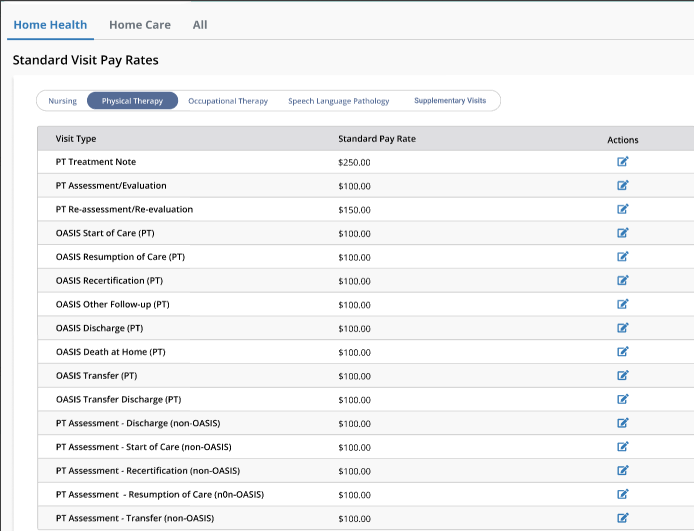
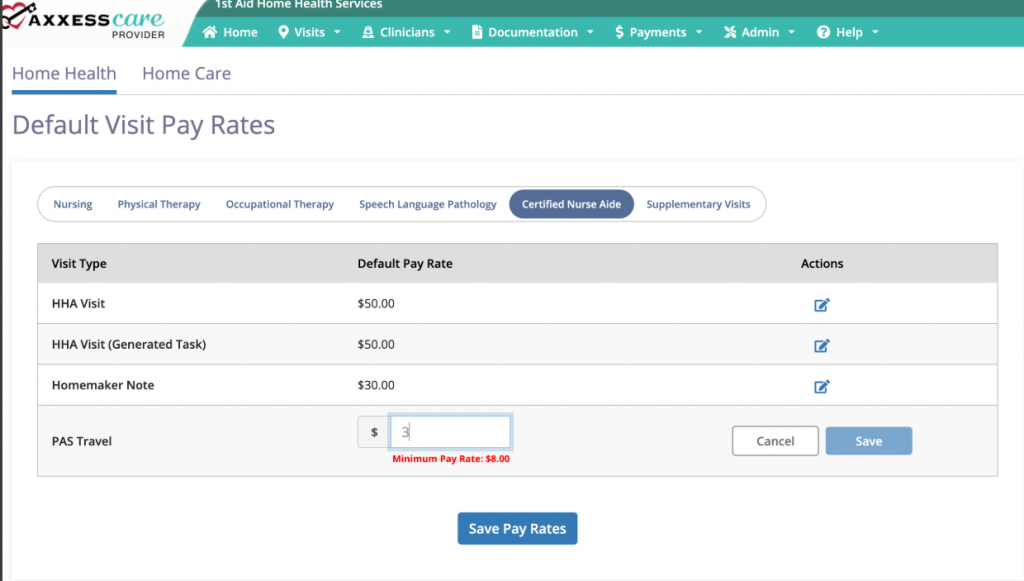
Select the edit icon under the Actions column to adjust pay rates as needed to align with local market conditions and ensure appropriate compensation for contract clinicians. When setting rates, keep in mind that your organization is not responsible for payroll taxes or other employment-related overhead costs for clinicians sourced through Axxess Care.
After the desired changes are complete, select the Save Pay Rates button. If no changes are needed, select the back arrow to return to the previous page without saving.
Updated on 09/30/2026