Axxess Care is a revolutionary scheduling and staffing solution that gives home healthcare organizations and clinicians a secure, easy-to-use platform to connect and deliver timely patient care.
As part of the organization’s account setup process, ensure that the appropriate permissions are assigned to users who will be managing Axxess Care.
To grant a user access to Axxess Care, navigate to the Admin tab and select Lists. From the Users tab, locate and select the desired user, then click Edit. On the Permissions tab, scroll to the Administration section and select the checkbox next to Axxess Care. Select Save to finish granting permissions to the user.
Admin tab ➜ Lists ➜ Users ➜ Edit ➜ Permissions ➜ Administration section ➜ Axxess Care ➜ Save
To use Axxess Care the feature must first be added to your organization. To enable Axxess Care, email the request to axxesscaresupport@axxess.com.
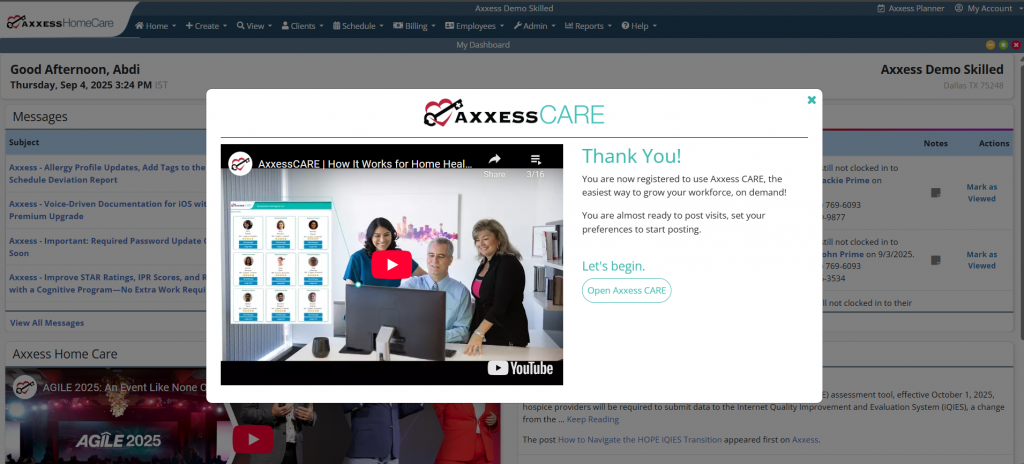
Once the feature is enabled, a pop-up will be displayed when they log in to their Axxess Home Care account. Select the Get Started! button to enable Axxess Care.
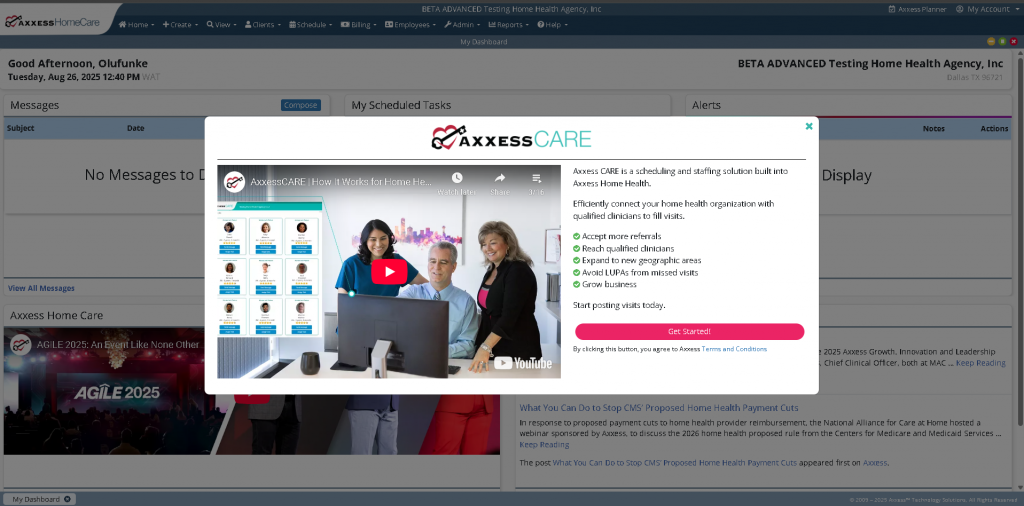
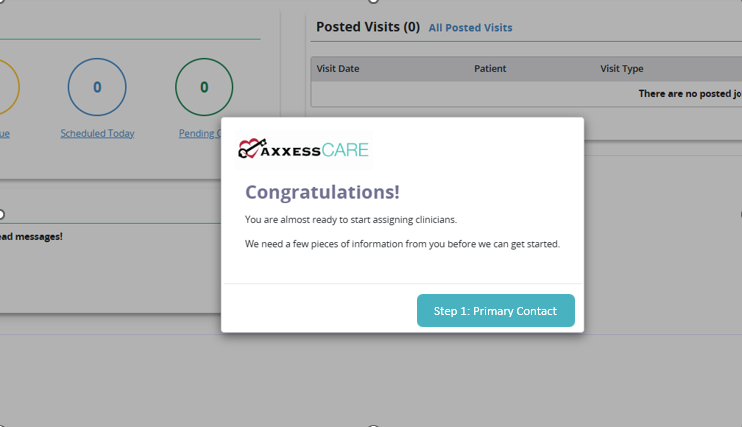
Once selected, a second pop-up will guide the user through the next steps of setting up the Axxess Care account. Click Open Axxess CARE to continue. The user will then be taken to the Axxess Care platform to complete the account setup process.
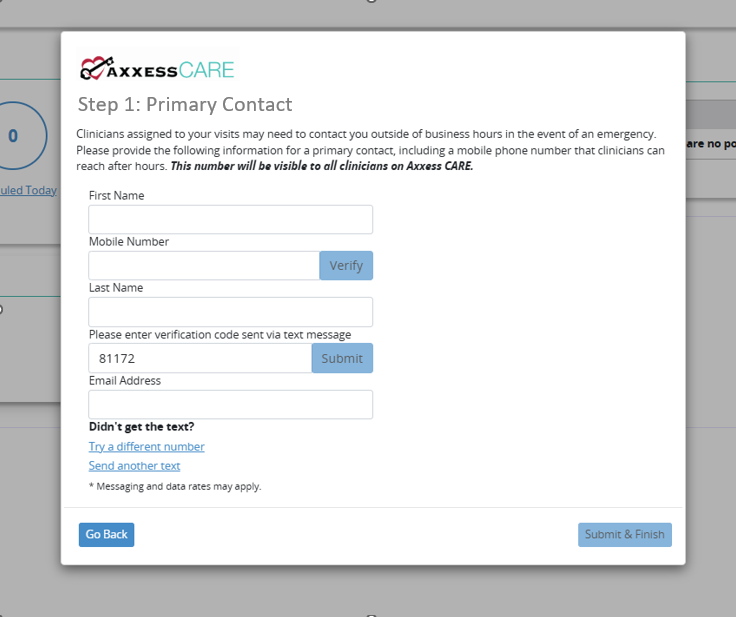
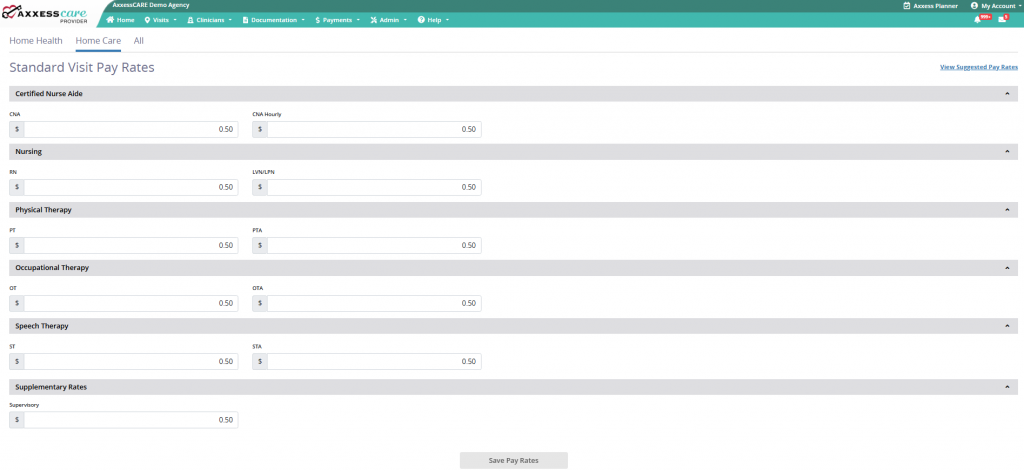
Once on the Axxess Care site complete the required sections and enter your organization’s standard pay rates to begin scheduling visits.