Your initial login to Axxess Palliative Care occurs through an email notification automatically sent to you when you sign up for services. When you receive the email, click the hyperlink provided and follow the instructions to create a password. Your password must include at least 12 alphanumeric characters and both uppercase and lowercase letters. Once you’ve created a password, you will enter the software.
Open axxess.com in any internet browser.
On the Axxess home page, click Login in the top-right corner of the screen to access the login page. You can also access the login page directly by going to axxessweb.com.
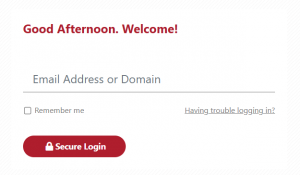
Enter your email address and click Secure Login.
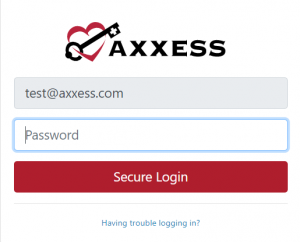
Enter your password and click Secure Login again.
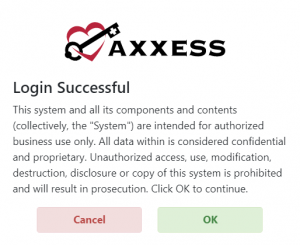
A user acceptance message will display. Click OK to accept the message and enter the software or Cancel to return to the login screen.
After logging in, you will enter the Axxess Planner, where information is displayed in the following sections:
Today’s Visits Schedule
Today’s Visits Map
Unread Messages
Past-Due Visits
Alerts
If you are set up to use more than one Axxess product, or if you work for more than one organization using Axxess, the menu on the left side of the Axxess Planner will display each product and organization.
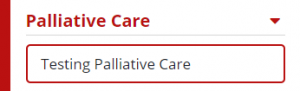
Select your organization under Palliative Care to enter your account.
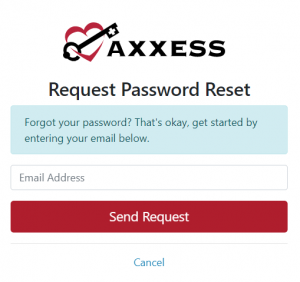
If at any point you forget your password, you can reset it by selecting the Having trouble logging in? hyperlink on the login screen.
You will then be prompted to enter the email address associated with your Axxess account. After entering your email, click Send Request, and an email will be sent with instructions to reset your password.
Please note:
The email may take a few minutes to arrive.
If you don’t see it in your inbox, check your spam and junk folders.
Submitting multiple requests can delay delivery.
To log out of Axxess Palliative Care, click the arrow next to your name in the top-right corner of the screen, and select Log Out from the drop-down menu.
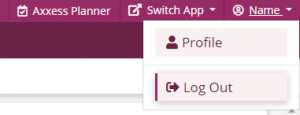
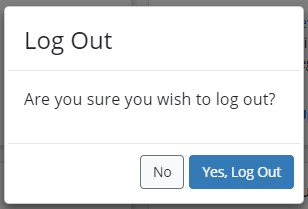
Confirm that you wish to log out by selecting Yes, Log Out.