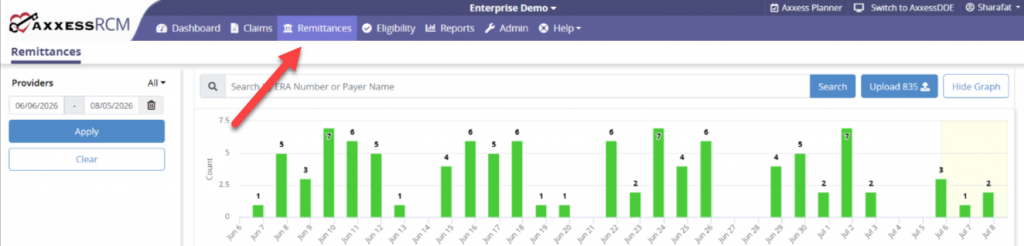
The top of the Remittances tab will show a bar graph of remittance received during a specified date range. Search for remittances by entering the ERA Number or Payer Name and then select the magnifying glass button.
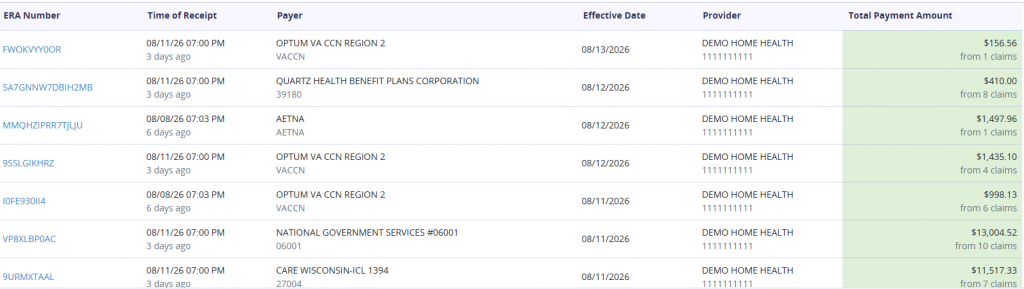
Below the graph lists remittances received and details tied to those payments:
ERA Number – This column will list the Electronic Remittance Advice number.
Time of Receipt – This column shows the date and time the remittance was received and how long ago it was.
Payer – The insurance/payer associated with the remittance, plus the assigned Payer ID.
Effective Date – Payments will have a specified effective date of when funds are available to retrieve.
Provider – The Branch associated with the remittance.
Total Payment Amount – The sum of the remittance payment will be indicated, plus the total claims included in it.